CLINICAL DATA
Clinical data de-identification
Remove patient identifiers from clinical records and prepare datasets for research, collaboration and analysis.

Hgear Aura brings clinical data de-identification, DICOM image de-identification, and healthcare data analytics into one workspace. Prepare clinical records and imaging studies for research, compare patient groups, and explore patterns in your datasets.

CLINICAL DATA
Remove patient identifiers from clinical records and prepare datasets for research, collaboration and analysis.
MEDICAL IMAGING
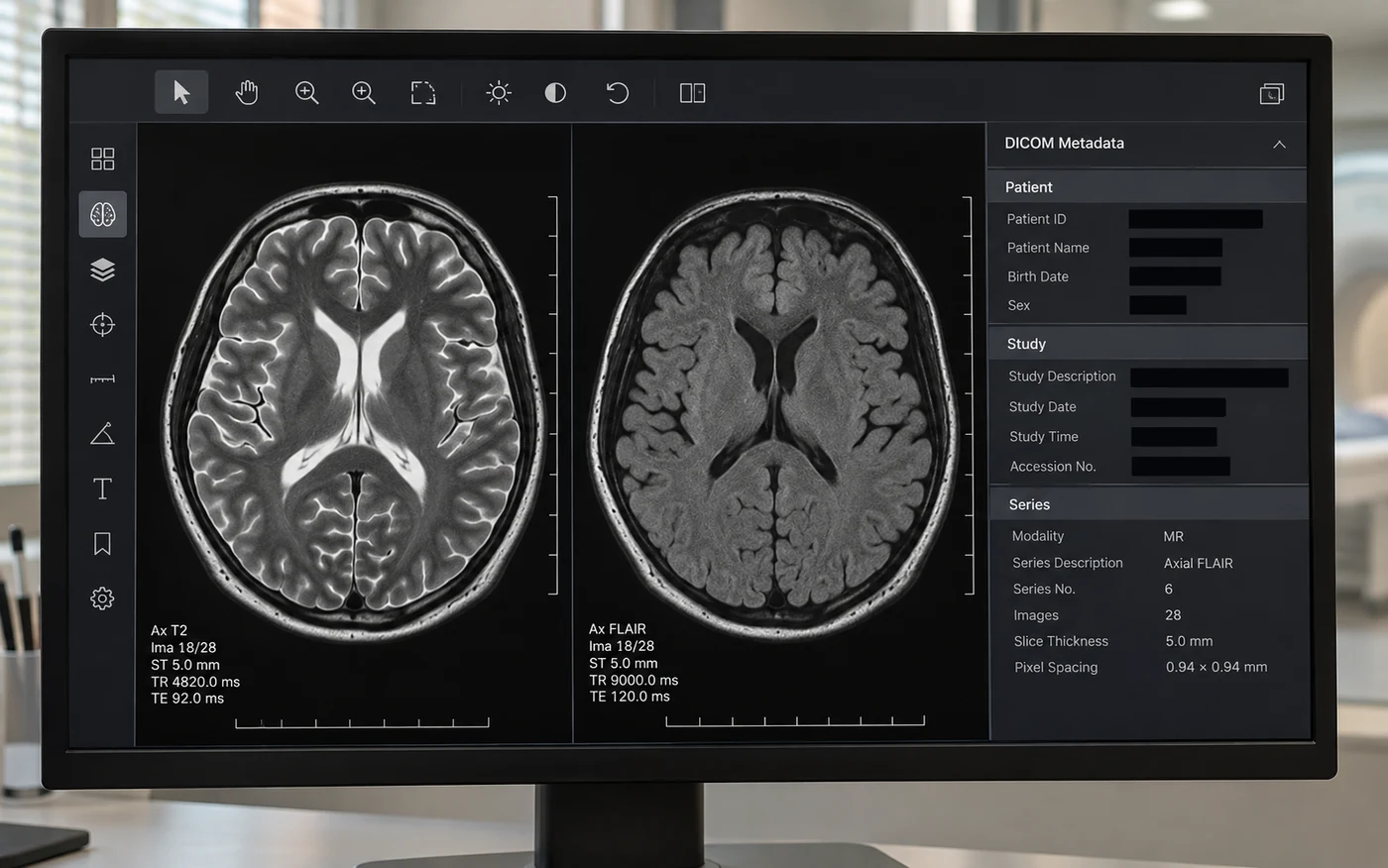
Review identifying information in DICOM metadata and annotations before sharing medical imaging studies.
DATA ANALYTICS
Compare patient groups and explore patterns in prepared healthcare datasets through visual analysis.
Start with clinical records, medical images, or a dataset you want to explore.
Identify the patient details to remove and the clinical information your team needs to retain.
Inspect the processed records and images before sharing them with your research team.
Compare groups and look for patterns in your prepared healthcare datasets.
Prepare clinical datasets, review medical images and analyze healthcare data with tools matched to your team’s work.
Prepare clinical datasets for research while reviewing the identifying information they contain.
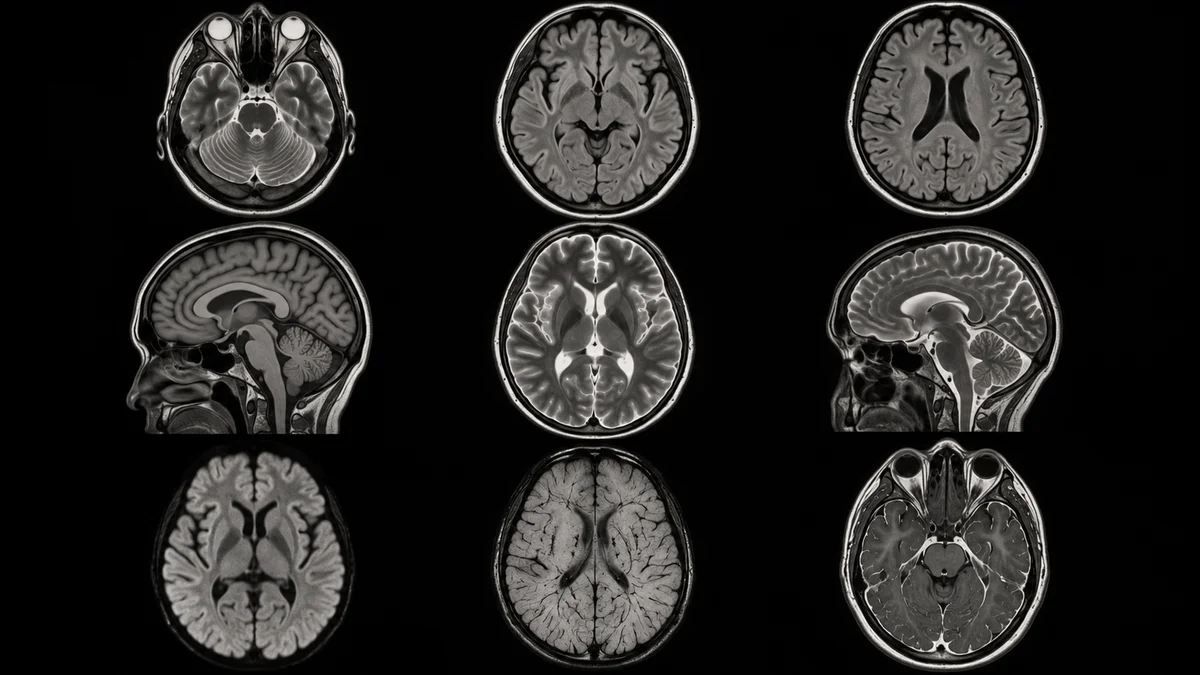
Work with imaging studies and review patient information before sharing data for collaboration.
Explore healthcare datasets, understand patterns and communicate the findings that matter to your team.
Learn how to get started with Hgear Aura, de-identify patient data and explore your datasets.
Hgear Aura is healthcare data de-identification and analytics software for clinical records and DICOM imaging studies. Clinical research, imaging, and analytics teams can use it to prepare datasets for review and compare patient groups.
Clinical data de-identification reduces the information that can identify a patient in a dataset. For example, a research team might remove patient names and medical record numbers while retaining clinical fields needed for its analysis.
Use Get Instant Access to create or access your Hgear account. If you need help choosing a workflow or evaluating Aura for your team, contact us with your requirements.
Yes. Tell us about the clinical data, imaging or analytics work you need to support. Our team can help you evaluate where Aura fits and arrange a product discussion.
Use clinical data de-identification to remove identifying details from records. Review the resulting dataset before sharing it with collaborators.
Removing metadata changes the fields stored alongside the image. A patient name burned into the image pixels can still be visible and needs a separate review before the study is shared.
Read the DICOM guideCompare patient groups and look for patterns in your prepared healthcare datasets using visual analysis.
Review the output for remaining identifiers and confirm that the clinical fields your team needs are still present. For imaging studies, inspect the metadata as well as the images and annotations before sharing.